
GoDeskFlow vs Chrome Remote Desktop
Chrome Remote Desktop is free and basic. When your needs grow beyond simple screen access, GoDeskFlow delivers professional-grade features at an affordable price.
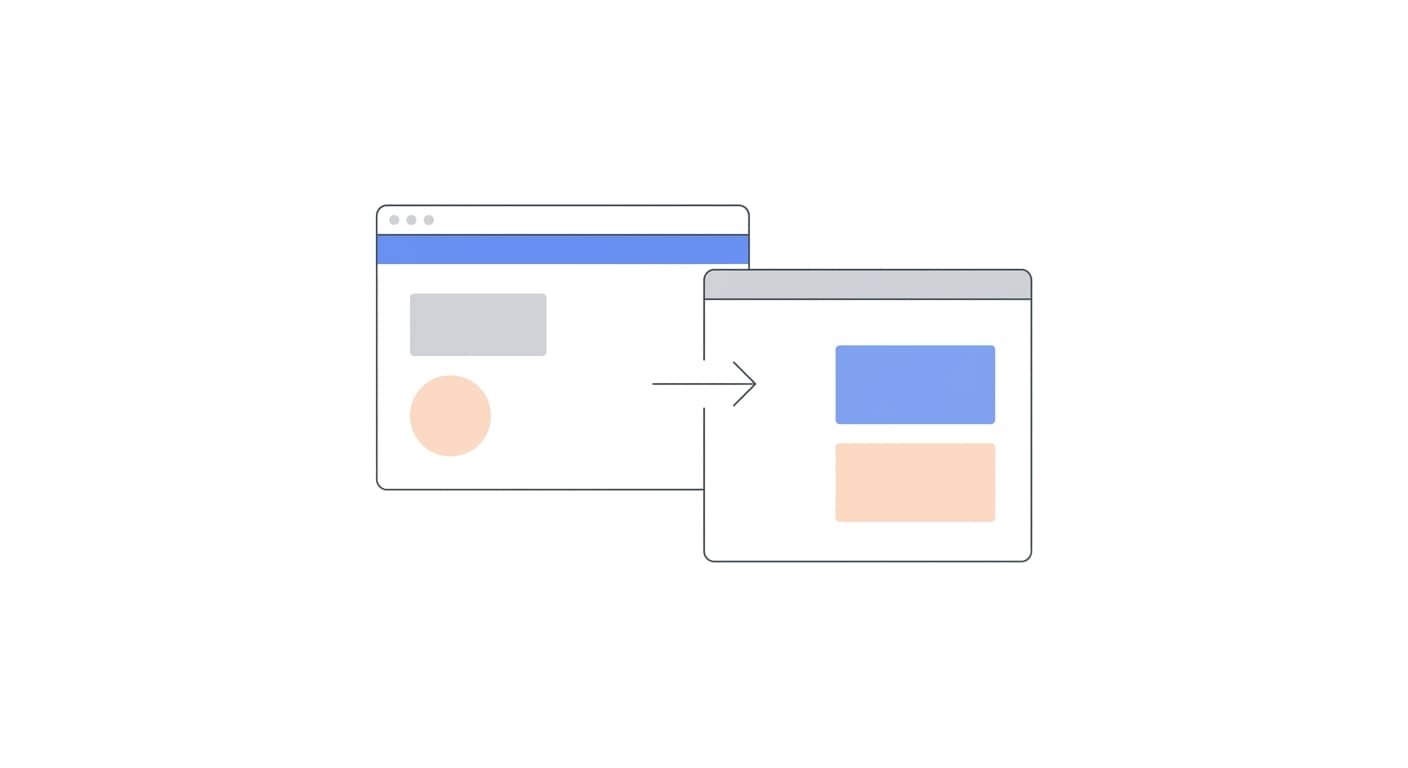
File Transfer Built In
Drag and drop files between local and remote machines. Chrome Remote Desktop has no file transfer capability at all.
Multiple Operators
Add multiple operators to your account and manage remote sessions across your organization. Chrome Remote Desktop is single-user only.
Session Recording
Record remote sessions for compliance, training, or review. Chrome Remote Desktop offers no recording functionality.
Feature-by-Feature Comparison
Chrome Remote Desktop covers the basics. GoDeskFlow is built for professionals and teams who need real remote support tools.
| Feature | GoDeskFlow | Chrome Remote Desktop |
|---|---|---|
| Price | Free tier available | Free |
| File transfer | Built-in, all plans | Not available |
| Session chat | Built-in | Not available |
| Session recording | Pro+ | Not available |
| Multi-monitor | Full support | Limited |
| Address book | Team+ | Not available |
| Multiple operators | Team plans | Not available |
| Unattended access | Native support | Basic |
| Mobile app | Full-featured | Basic |
| No Google account required | Sign up with email | Requires Google account |
When It Is Time to Upgrade from Chrome Remote Desktop
Chrome Remote Desktop works for simple personal access. Here is when you need something more.
You Need File Transfer
Chrome Remote Desktop has no file transfer. If you regularly move files between machines, you are forced to use separate tools. GoDeskFlow has drag-and-drop file transfer built in.
You Manage a Team
Chrome Remote Desktop is built for individual use. GoDeskFlow supports multiple operators, shared address books, and centralized billing.
You Need Session Recording
For compliance, training, or support documentation, you need session recording. Chrome Remote Desktop offers no recording functionality. GoDeskFlow records sessions on Pro plans and above.
You Need Professional Support
Chrome Remote Desktop has no dedicated support channel. GoDeskFlow offers email support on all plans and priority support for Team and Enterprise customers.
“Chrome Remote Desktop worked fine when it was just me. Once our team grew to five, we needed file transfer, multiple operators, and session recording. GoDeskFlow checked every box.”
-- Freelance IT Consultant
Outgrown Chrome Remote Desktop?
Start with our free plan -- it already has more features than Chrome Remote Desktop. Upgrade when your team is ready.