
Remote Desktop for Linux
A powerful remote desktop solution that works with your Linux workflow. Supports X11, Wayland, headless servers, and all major distributions.
.deb / .rpm / Flatpak · 20 MB · Free to use
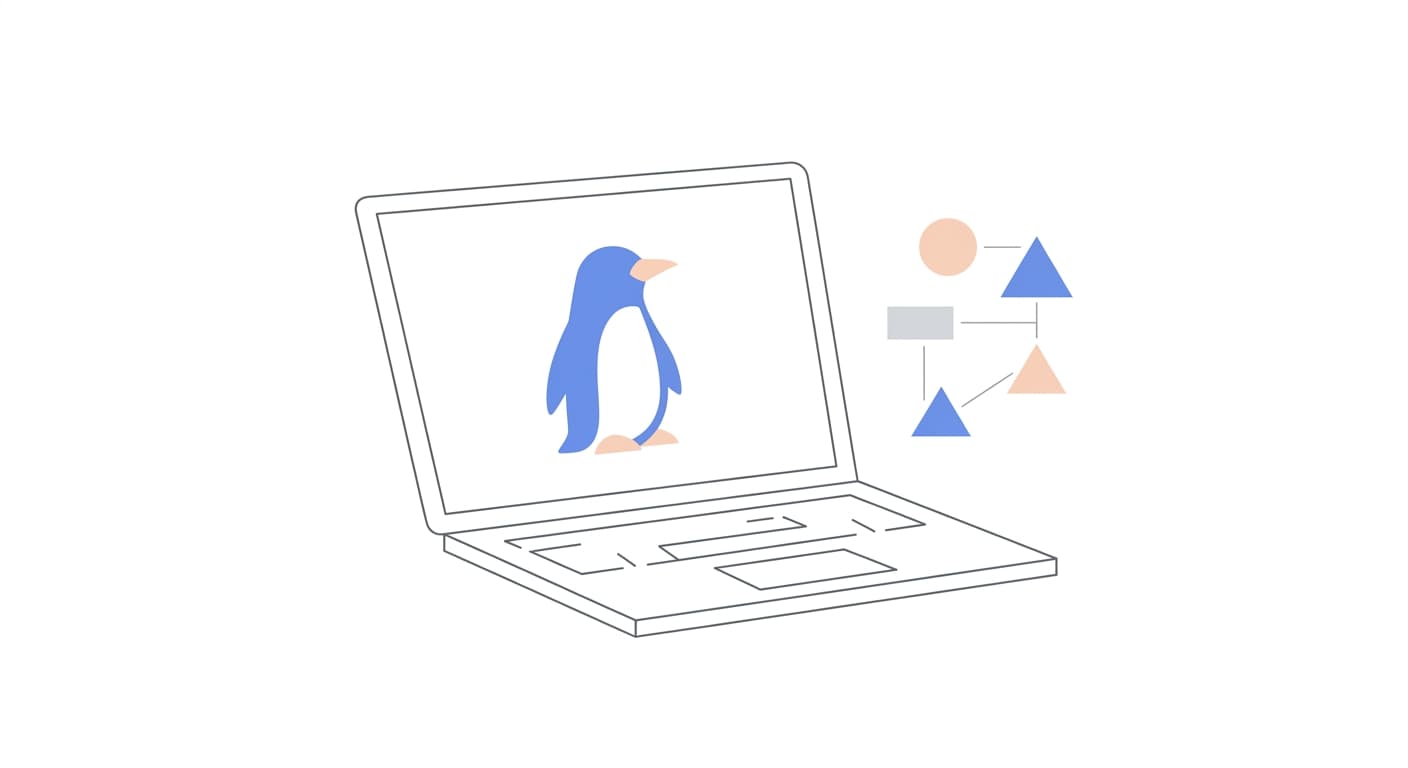
Made for the Linux Ecosystem
GoDeskFlow integrates deeply with Linux, supporting multiple display servers, package formats, and server environments.
X11 and Wayland Support
Full support for both X11 and Wayland display servers. GoDeskFlow automatically detects your environment and uses the optimal capture method.
Headless Mode
Run GoDeskFlow on headless servers without a display attached. Perfect for managing cloud VMs, CI/CD runners, and remote infrastructure.
CLI Installer
Install and configure GoDeskFlow entirely from the command line. Scriptable setup for automated deployments and infrastructure-as-code workflows.
.deb and .rpm Packages
Native packages for Debian-based and Red Hat-based distributions. Install with apt or dnf and receive automatic updates through your package manager.
Flatpak Available
Install GoDeskFlow as a Flatpak for sandboxed operation on any Linux distribution. Great for users who prefer universal packaging formats.
Systemd Service Integration
Run GoDeskFlow as a systemd service for unattended access. Starts automatically on boot with proper logging and resource management.
Supported Distributions
Ubuntu
20.04, 22.04, 24.04
.debDebian
11 (Bullseye), 12 (Bookworm)
.debFedora
36, 37, 38, 39, 40
.rpmCentOS Stream
8, 9
.rpmopenSUSE
Leap 15.4+, Tumbleweed
.rpmArch Linux
Rolling release
AURQuick Install via CLI
Install GoDeskFlow with a single command. Works on any supported distribution.
curl -fsSL https://get.godeskflow.com | shOr download the .deb / .rpm package manually from the downloads page.
System Requirements
Display Server
X11 or Wayland
Processor
1 GHz 64-bit (x86_64 or ARM64)
Memory
1 GB RAM minimum
Disk Space
80 MB available storage
Get GoDeskFlow for Linux
Download now and start managing your Linux machines remotely. Free for personal use.