
How It Works
GoDeskFlow makes remote desktop access simple and secure. Get connected in three easy steps, no technical expertise required.
Three Steps to Connect
Download & Install
Download GoDeskFlow on the devices you want to connect. Installation takes under a minute on Windows, macOS, Linux, or Android. No complex setup required.
Our lightweight installer is under 25 MB and requires no admin privileges for basic use.
Create Account & Add Devices
Sign up with your email and your devices are automatically registered. Each device gets a unique ID that you can share with anyone you want to give access to.
Your device appears in your dashboard immediately. Set a personal password for unattended access.
Connect From Anywhere
Enter a device ID or select from your address book to connect instantly. Works across networks, through firewalls, and without any router configuration.
Connections are established in under 2 seconds with end-to-end encryption from the first byte.
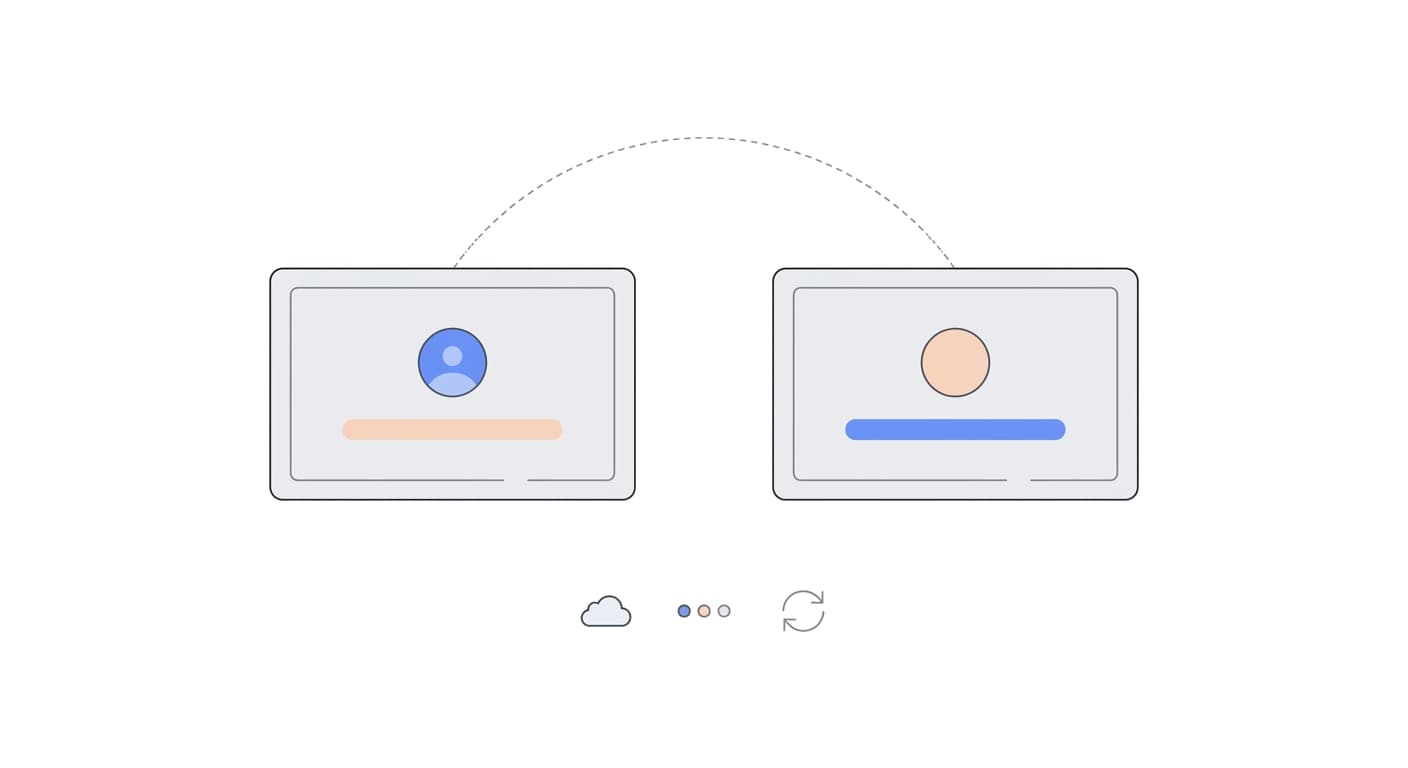
Secure Cloud Relay Architecture
Your connection flows through our secure cloud relay servers. When you connect to a remote device, GoDeskFlow establishes an encrypted tunnel through our globally distributed relay network. This means no router configuration, no port forwarding, and no VPN required.
Your Device
Encrypted connection initiated
Cloud Relay
Routes encrypted traffic
Remote Device
Decrypted at destination
Security You Can Trust
GoDeskFlow is built with security at its core. Every connection is encrypted, and we never have access to your data.
TLS 1.3 Encryption
Every connection is encrypted with TLS 1.3, the latest transport security protocol. Your data is protected with the same encryption used by banks and governments.
Zero-Knowledge Architecture
We never see your screen, keystrokes, or transferred files. Our relay servers route encrypted packets without the ability to decrypt their contents.
No Data Stored
Session data is never written to disk on our servers. Once your connection ends, there is no trace of what was transmitted. Your privacy is absolute.
Global Relay Network
Our relay servers are distributed across multiple continents for low-latency connections worldwide. Traffic is routed through the nearest server automatically.
Frequently Asked Questions
Do I need to configure my router or open ports?
No. GoDeskFlow uses a secure relay network that works through NAT and firewalls automatically. You do not need to configure port forwarding, DMZ settings, or any router rules. It just works.
Is a VPN needed to connect?
No. GoDeskFlow provides its own encrypted tunnel between devices. You do not need a separate VPN. All traffic is encrypted end-to-end with TLS 1.3 regardless of the network you are on.
Where are your servers located?
Our relay servers are distributed across a global CDN with points of presence in North America, Europe, Asia-Pacific, and South America. Connections are automatically routed through the nearest server for the lowest latency.
Can I use GoDeskFlow without an internet connection?
GoDeskFlow requires an internet connection for initial device discovery and authentication. However, if both devices are on the same local network, traffic will be routed directly between them for maximum speed.
How fast is the connection?
Most connections are established in under 2 seconds. Video streaming runs at 30-60 FPS depending on your network speed. On a local network, latency is typically under 10 milliseconds.
Ready in Under 60 Seconds
Download GoDeskFlow, create your account, and connect to your first device. It really is that simple.