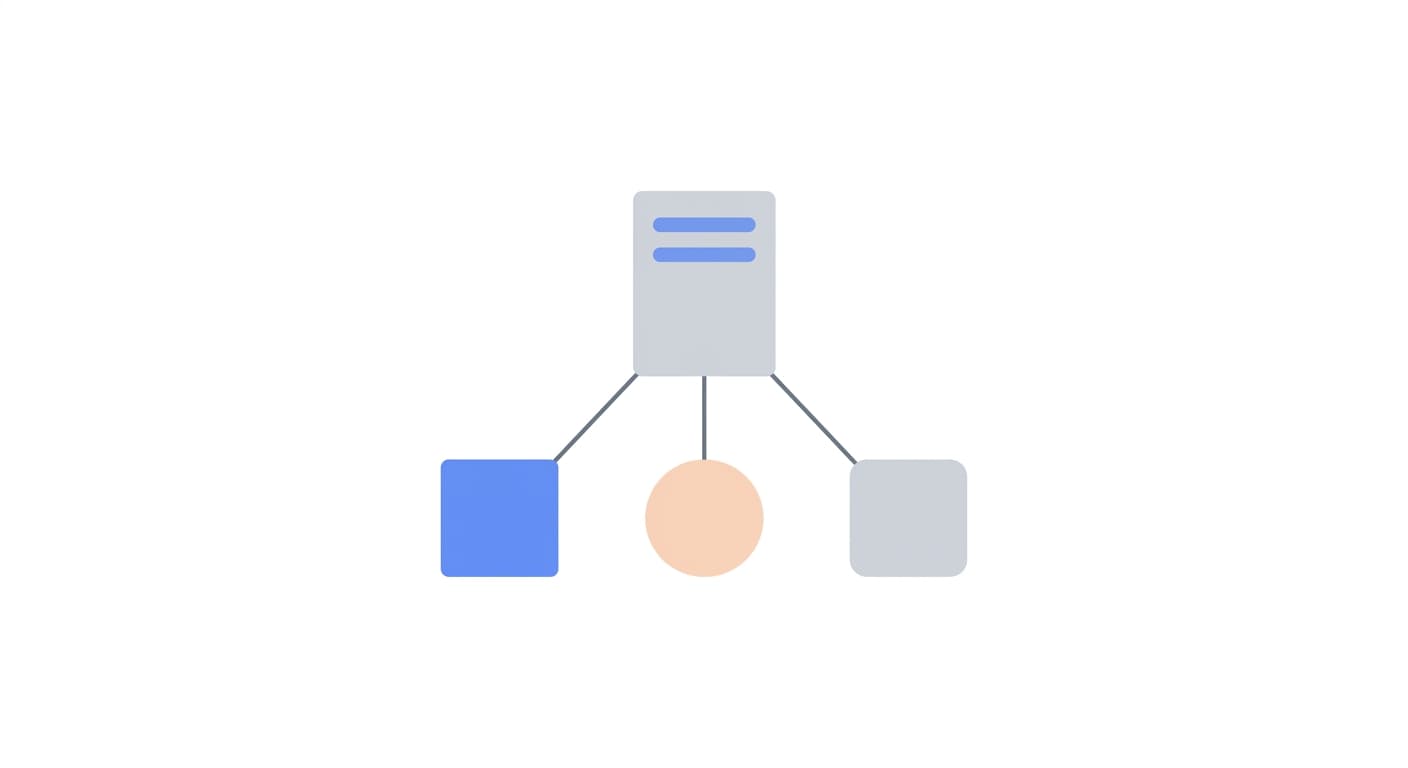
Managing an office network remotely requires the right tools and security practices. Learn how to deploy remote access across your LAN without compromising security.
Local area network (LAN) administration has traditionally been a hands-on job, physically walking to servers, workstations, and network equipment to diagnose issues and apply changes. Remote desktop access transforms this workflow by letting administrators manage every machine on the network from a single workstation or even from outside the office. The key is deploying remote access tools correctly across the LAN while maintaining strict security standards.
Deploying remote access software across an office network starts with choosing a tool that supports centralized management. You need the ability to install the client silently on multiple machines using deployment tools like Group Policy, SCCM, or simple scripting. GoDeskFlow supports MSI-based deployment, which integrates with standard Windows management workflows. Once deployed, each machine registers with a unique device ID, and administrators can organize devices into groups for easy access.
Security is the primary concern when enabling remote access across a LAN. Even within a trusted network, you should enforce strong authentication on every remote connection. Use unique passwords for each machine, enable connection approval prompts on sensitive systems, and maintain session recordings for review purposes. If your remote access tool supports role-based access, restrict which administrators can connect to which machines. For a comprehensive overview of security best practices, see our remote desktop security guide.
One of the biggest advantages of remote LAN administration is the ability to manage machines outside of business hours without being physically present. Applying updates, running maintenance scripts, and rebooting servers can all happen remotely during off-peak windows. GoDeskFlow's unattended access feature is designed exactly for this, set a permanent password on each machine and connect whenever needed, even if no one is logged in at the console.
For larger networks, consider segmenting your remote access deployment. Servers, developer workstations, and general office PCs may have different access policies. Critical infrastructure should require additional authentication steps, while general workstations might only need basic remote support capabilities. GoDeskFlow's feature set supports this kind of differentiated deployment, letting you tailor the configuration per device group.
Network performance is another consideration for LAN-based remote access. GoDeskFlow uses optimized relay infrastructure to ensure low-latency connections. This results in minimal latency and maximum throughput, ideal for tasks like transferring large files or running graphics-intensive applications remotely. For enterprise-scale deployment strategies, see our guide on enterprise IT management.