Back to BlogGuide
Who Needs Remote Desktop Access? Use Cases Explained
GoDesk Editorial Team4 min read
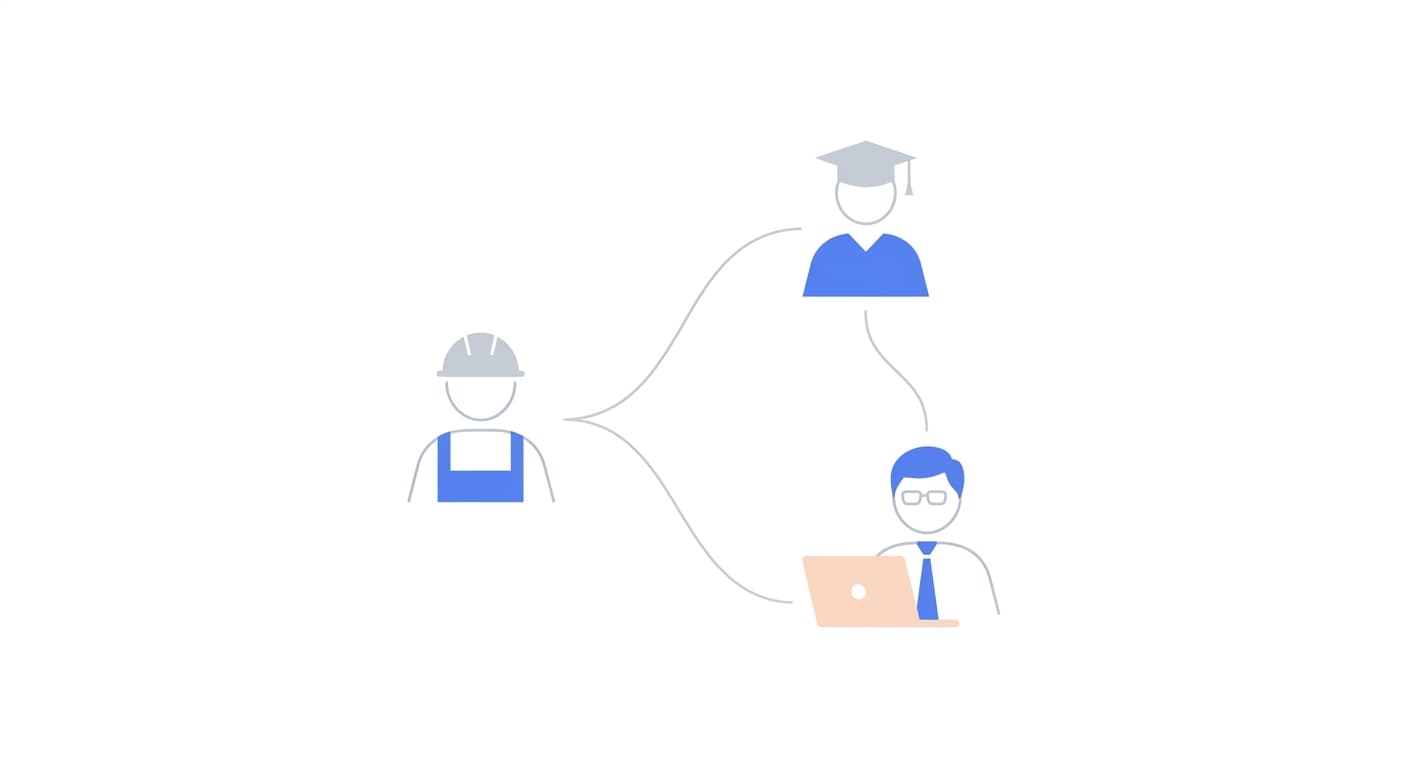
Remote desktop access is not just for IT departments. From business owners to teachers to families, here is who benefits most and how.
Remote desktop access used to be a niche tool for system administrators. Today, it is used by millions of people across industries and personal life. If you have ever needed to access a file on another computer, help someone troubleshoot a technical issue, or work from a location other than your desk, remote access is the solution. Here is a breakdown of the main use cases and how each group benefits.
Businesses and remote teams are the most obvious beneficiaries. Companies that embrace remote or hybrid work need their employees to access corporate resources from home, co-working spaces, or while traveling. Remote desktop tools eliminate the need for VPN tunnels to specific applications, employees simply connect to their work machine and use it as if they were in the office. This also saves organizations money on office space and infrastructure. For a broader perspective on this shift, see our article on remote work vs office.
IT professionals rely on remote access daily. Server administrators manage infrastructure across multiple data centers without leaving their desk. Help desk teams resolve employee issues in minutes instead of scheduling on-site visits. MSPs (managed service providers) support dozens of client networks from a single location. The ability to reboot a machine, install updates, or diagnose a problem remotely is not a luxury, it is a baseline requirement. GoDeskFlow's unattended access and session logging make this workflow fast.
Educators and trainers have found remote desktop tools invaluable for virtual instruction. A professor can give students access to a lab machine running licensed software that cannot be distributed. A coding tutor can take control of a student's screen to demonstrate debugging techniques in real time. Corporate trainers can walk new hires through internal tools without being in the same room. The shared-screen, shared-control model maps naturally to teaching.
Personal users make up a surprisingly large portion of remote desktop usage. The most common scenario is helping family members with technology, connecting to a parent's computer to fix a settings issue, install an update, or remove unwanted software. Another popular use case is accessing your home PC while traveling to grab a file, check on a download, or use an application that is only installed on that machine. GoDeskFlow's free tier covers these scenarios without requiring a subscription.
Across all these groups, the common thread is the same: remote desktop access removes the constraint of physical proximity. You no longer need to be sitting in front of a computer to use it. Whether you are managing servers, supporting clients, teaching students, or helping your parents, the right tool makes the distance disappear. Explore GoDeskFlow's features to see which capabilities match your needs.