Back to BlogEducation
How Remote Desktop Access Works: A Simple Explanation
GoDesk Editorial Team5 min read
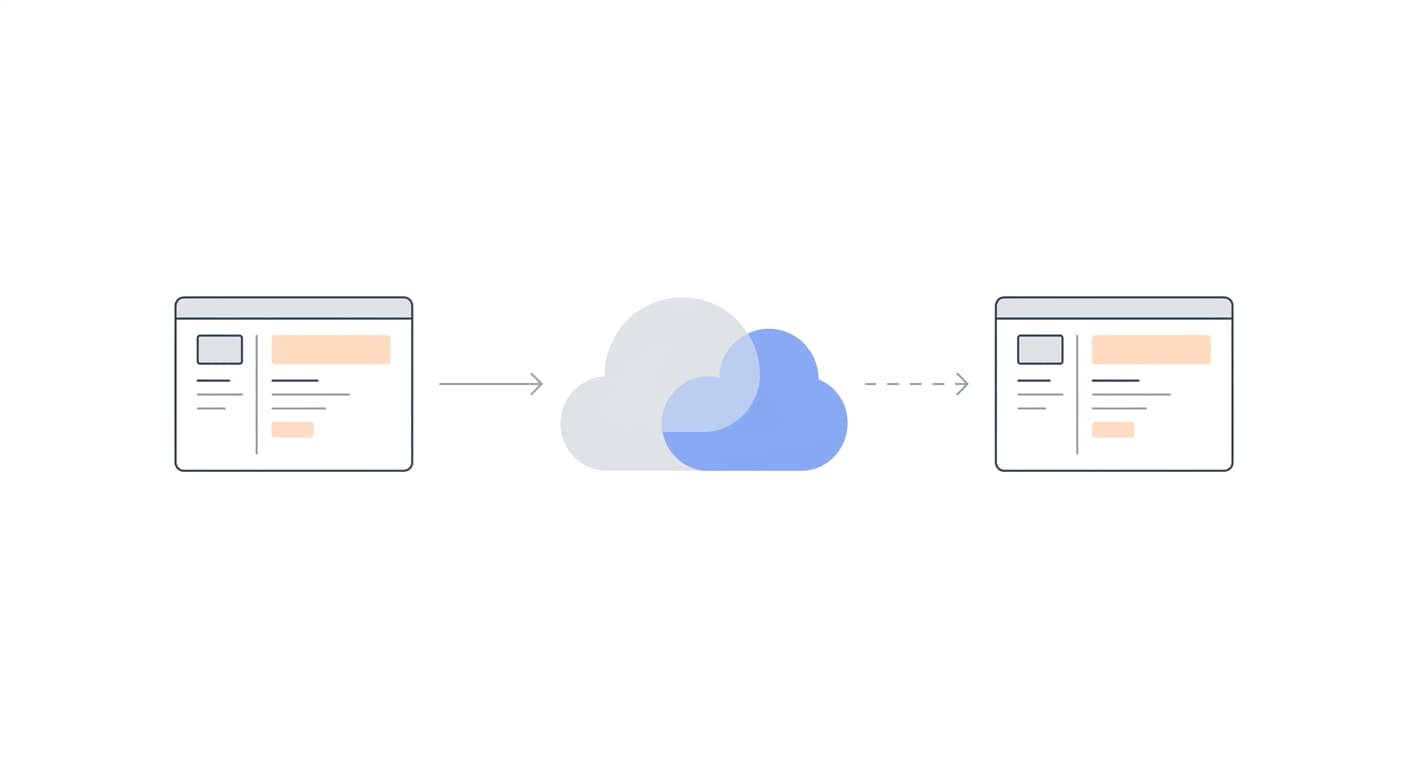
Ever wondered how remote desktop software actually works? Here is a plain-language explanation of hosts, clients, screen compression, encryption, and why it all feels instant.
Think of remote desktop access like a TV remote control, but for computers. Instead of pressing buttons to change channels, you are sending your keyboard and mouse inputs across the internet to another machine, and it sends back a live picture of its screen. The magic is in making this feel instant, even when the two computers are thousands of miles apart.
Every remote session involves two roles: the host and the client. The host is the computer being controlled, it runs a small background service that captures its screen, listens for incoming input commands, and sends visual updates back. The client is your device, the one you are sitting in front of. It displays the host's screen in a window and forwards your keyboard and mouse actions to the host. When you click on the client, the host receives that click and acts on it as if you were sitting right there.
The screen data is not sent as raw video, that would require enormous bandwidth. Instead, the host compresses each frame, often sending only the pixels that changed since the last frame (delta encoding). Modern codecs can reduce a full 1080p screen update to just a few kilobytes if only a small area changed. This is why well-built remote desktop software feels responsive even on modest internet connections.
Security is handled through encryption. GoDeskFlow uses TLS 1.3, the same protocol that protects online banking and e-commerce. All data, screen pixels, keystrokes, mouse movements, file transfers, is encrypted end-to-end before it leaves your device. Even if someone intercepts the traffic, they see nothing but scrambled data. For a deeper dive into the security model, read our remote desktop security guide.
Connections are routed through port 443, the standard HTTPS port. This is a deliberate design choice: port 443 is almost never blocked by firewalls, corporate proxies, or hotel Wi-Fi networks. It means your remote sessions work reliably from virtually any network without special configuration. GoDeskFlow connects through our relay infrastructure with optimized routing for low latency.
The practical applications are wide-ranging. Remote workers use it to access their office PC from home. IT support teams use it to troubleshoot employee machines without walking to their desk. Road warriors use it to pull files from their home server while traveling. Teachers use it to demonstrate software on a student's screen. In every case, the underlying mechanism is the same: capture, compress, encrypt, transmit, decrypt, display, all in milliseconds. To see which scenario fits you best, check out who needs remote desktop access.